Entity Culling Mod for Smarter Minecraft Rendering
Entity Culling Mod focuses on skipping rendering work for entities and block entities that are not visible, helping reduce unnecessary client-side draw overhead in busy scenes.
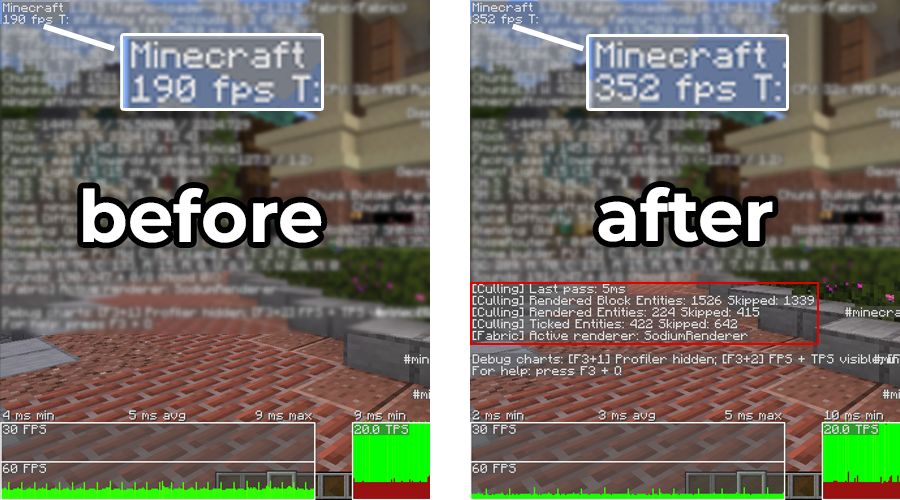
Optimization built around visibility
Minecraft already avoids some rendering work, but walls and ceilings can still hide objects that the client may otherwise process for rendering. Entity culling adds another visibility layer to reduce work for hidden entities.
Checks what can be seen
Visibility logic helps decide whether an entity should be rendered from the current viewpoint.
Targets rendering overhead
The goal is fewer unnecessary draw calls and less client rendering work in crowded or occluded scenes.
Leaves gameplay simulation alone
Client-side rendering optimization is distinct from server-side mob behavior and world simulation.
Designed for targeted rendering efficiency
Modern Entity Culling builds emphasize asynchronous visibility checks, configurable behavior and compatibility controls rather than changing world logic.
Asynchronous visibility checks
Visibility calculations can use spare CPU capacity so checks do not simply become more work on the render thread.
Entity culling
Hidden entities can be skipped from rendering when line-of-sight logic determines they are occluded.
Block-entity culling
Block entities can also be evaluated, with exceptions needed for objects that render outside normal bounds.
Tick-related optimization
Recent versions include client-side tick optimization controls for selected hidden entities.
Whitelists
Entity and block-entity whitelists help solve compatibility issues with special visual behavior.
Configurable behavior
Features can be adjusted or disabled when a particular mod, entity or scene behaves unexpectedly.
A simple idea behind a technical visibility check
Only spend rendering effort where it can contribute to the frame. The exact internals vary by build, but the flow is straightforward.
Collect scene information
The client gathers the data needed to evaluate visible and occluded objects.
Evaluate visibility
Line-of-sight or path-style checks determine whether geometry blocks an entity from view.
Skip hidden rendering work
Objects judged invisible can avoid unnecessary rendering until visibility changes.
Match the game version and loader first
Current EntityCulling project information lists Fabric, Forge and NeoForge for modern versions. Older branches exist but should be treated as legacy.
| Minecraft range | Loader | Status | Practical note |
|---|---|---|---|
| 1.19.4 and newer | Fabric / Forge / NeoForge | Modern support | Use a release built for your exact game and loader version. |
| 1.16.5–1.19.2 | Fabric / Forge | Outdated | Archived builds may exist; current fixes may not apply. |
| 1.12.2 / 1.8.9 | Forge | Legacy | Use only a release explicitly made for that version. |
| 1.7.10 | Forge | Legacy | No modern support expectations; isolate in a dedicated instance. |
Where culling can matter most
Entity-heavy areas
Villager halls, farms, storage systems and modded bases can contain many objects that are frequently hidden behind structures.
Complex visual scenes
Large modpacks can add many block entities, animations and renderers, increasing the value of avoiding hidden work.
GPU-bound situations
When rendering is a bottleneck, reducing unnecessary draw work can help—but gains vary with hardware and scene composition.
Install with a version-first checklist
Confirm Minecraft
Write down the exact game version. A “close enough” mod jar can still crash at launch.
Confirm loader
Fabric, Forge and NeoForge packages are not interchangeable. Use the loader-specific release.
Test cleanly
Add the mod to the instance mods folder, launch, then test before adding more changes at the same time.
Verify the target before you install
The URL supplied for this website points to the MoreCulling GitHub source archive, not the tr7zw/EntityCulling release file. Keep that distinction clear before using this download.
FxMorin/MoreCulling. It is a separate project from EntityCulling. This site
preserves the supplied URL but does not represent it as the official EntityCulling jar.
Provided target: GitHub source ZIP. For a loader-ready installation, verify the correct project and release format first.
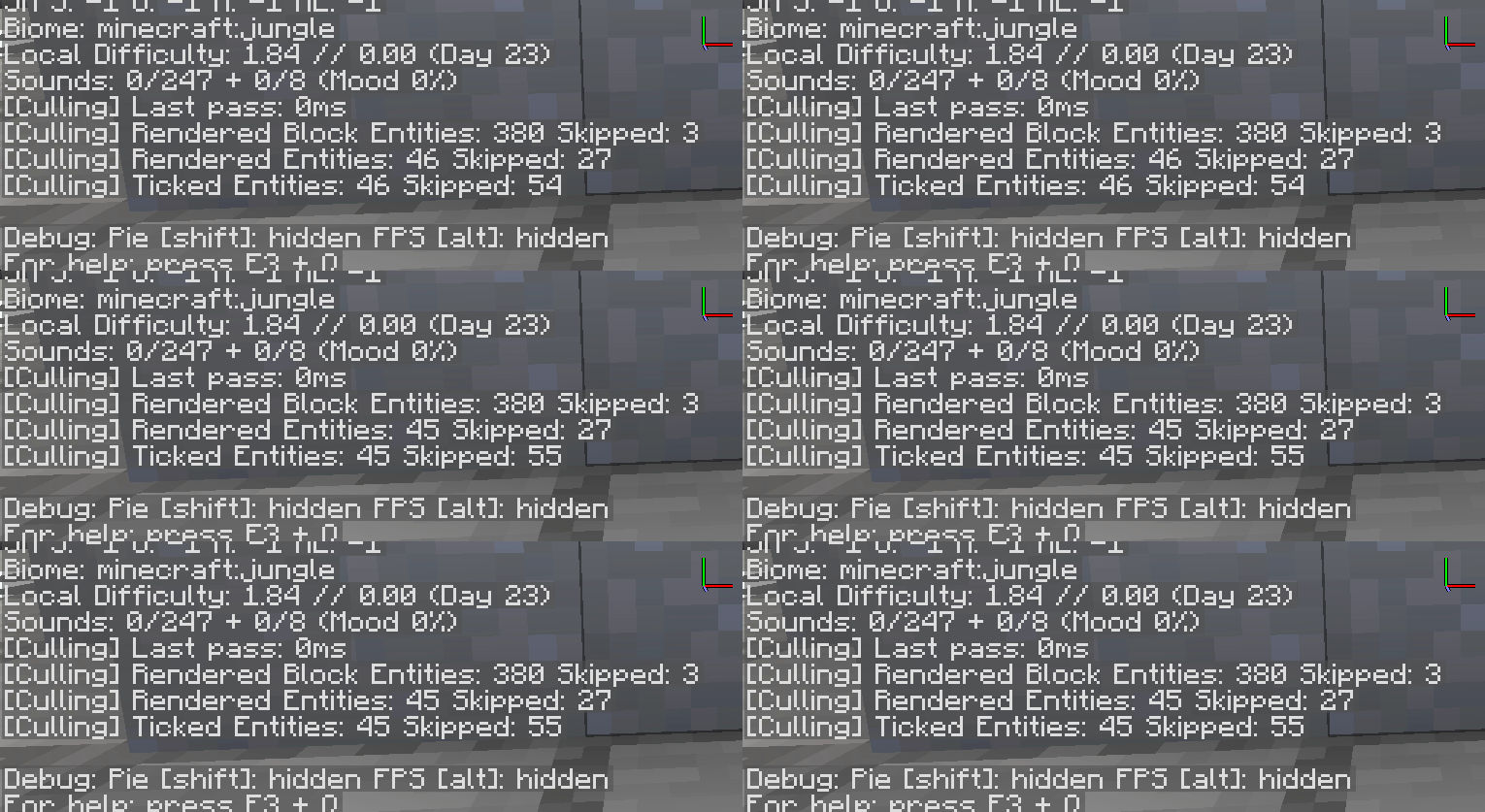
Keep mod installation predictable
Use trusted project pages
Prefer recognized project repositories and release platforms. Check project name, author, loader, game version and file type before copying anything into your instance.
Back up first
Keep a backup of worlds and instance settings before changing performance or rendering mods, especially in large modpacks.
Useful optimization, with compatibility trade-offs
Potential advantages
- Reduces hidden rendering work
- Can help in entity-heavy scenes
- Client-side focus simplifies server requirements
- Whitelists can resolve special render cases
Things to watch
- Visual pop-in can occur in edge cases
- Wrong loader or version can crash the game
- Some modded renderers need whitelist exceptions
- Performance gains vary by hardware and world
Modern support is the priority
Diagnose one variable at a time
Crash on startup
Verify game version, loader and dependencies. Remove duplicate or mismatched jars before testing again.
Objects disappear
Use config whitelists for entities or block entities with unusual render bounds or animated visuals.
No performance change
The scene may not be entity-rendering limited. Compare the same location and settings before and after the change.
Go deeper by version, loader or problem
Entity Culling Mod questions
Twenty focused answers covering how the mod works, version compatibility and common setup problems.